Ctrl+Shift+EAssistant
System-wide intelligence
VoxFab AI
Elevating your productivity through seamless voice-to-text and intelligent
AI assistance.
Requires OpenAI or Gemini API Key
macOS Installation Instructions
# team-general
AL
Alex10:41 AM
Hey team, are we ready for the dictation demo?
VoxFab
Message #team-general
Core Features
Designed for Productivity
Every tool you need for a frictionless workflow, built directly into your OS.
Instant Voice-to-Text
Transcribe speech directly into any application or text field at the speed of thought with near-zero latency.
Superior AI Power
Connect OpenAI or Gemini for 1000x better accuracy and speed. Perfect for complex tasks and professional use.
100% Local & Offline
Work completely offline without any API keys. Your data never leaves your device, ensuring maximum confidentiality.
Built-in Whisper
Uses a local Whisper engine for private processing. A reliable fallback when internet or APIs are unavailable.
Multi-Language
Type in dozens of languages on the fly with deep accuracy across various dialects and regional accents.
Complete UI Freedom
Resize, reposition, or collapse to FAB. Total control over your professional voice-to-text workspace.
Global Text Extraction
Extract anything from your screen. Whether it's a locked PDF, an image, or a system setting—if you can see it on Windows or Mac, VoxFab can read it.
Win & Mac Native
Built for both world-class desktop OSs. Seamlessly works on Windows and macOS with native performance and deep system automation.
Android Support
VoxFab on the go. Our dedicated experimental mobile app brings the same AI transcription power to your Android device.
Empowered by Intelligence
Content-Aware AI assistant
Transcribe first, refine later. VoxFab doesn't just type your words; it understands the context. Use integrated, content-aware AI actions to draft replies and polish text instantly.
Smart Rephrasing
Instantly fix grammar or change the tone of your message to be more professional or friendly.
Draft Replies
Highlight a received message and let VoxFab suggest high-quality, relevant responses.
Ultra-Fast Processing
Near-instant AI suggestions and corrections without leaving your active application.
# project-updates
JD
Jane Doe12:04 PM
Hey Ilya, do you have a quick draft for the new API documentation? I need to explain the centralized error handling.
Message #project-updates
Highlighted text will appear here...
Ctrl+Shift+EAssistant
OS-Level Integration
The Assistant that Follows You
Stop switching between windows. Highlight text in any app—Slack, VS Code, or your Browser—and instantly refine it with VoxFab's context-aware assistant.
Contextually Aware
Instantly appears near your cursor with smart suggestions based on your selection.
Power Actions
One-click presets for professional tone, grammar fixing, or custom AI instructions.
Zero-Click Injection
Refined text is automatically pasted back into the source application—seamlessly.
I
Ilyacan u check this technical documentation pls?
Ctrl
Shift
E
Visual Intelligence
Capture Anything On Your Screen
Not limited to images. VoxFab takes a high-precision capture of any designated screen area and extracts text instantly—from system windows, locked PDFs, or videos.
Screen-Wide Capture
Just drag a box over any part of your screen. VoxFab captures a shot and extracts text from any application or OS setting.
Windows & Mac Support
Full cross-platform compatibility. Get the same high-speed AI extraction performance regardless of your operating system.
Beyond Images
Works with videos, zoom calls, locked documents, or system dialogs. If you can see it, you can capture and extract it.
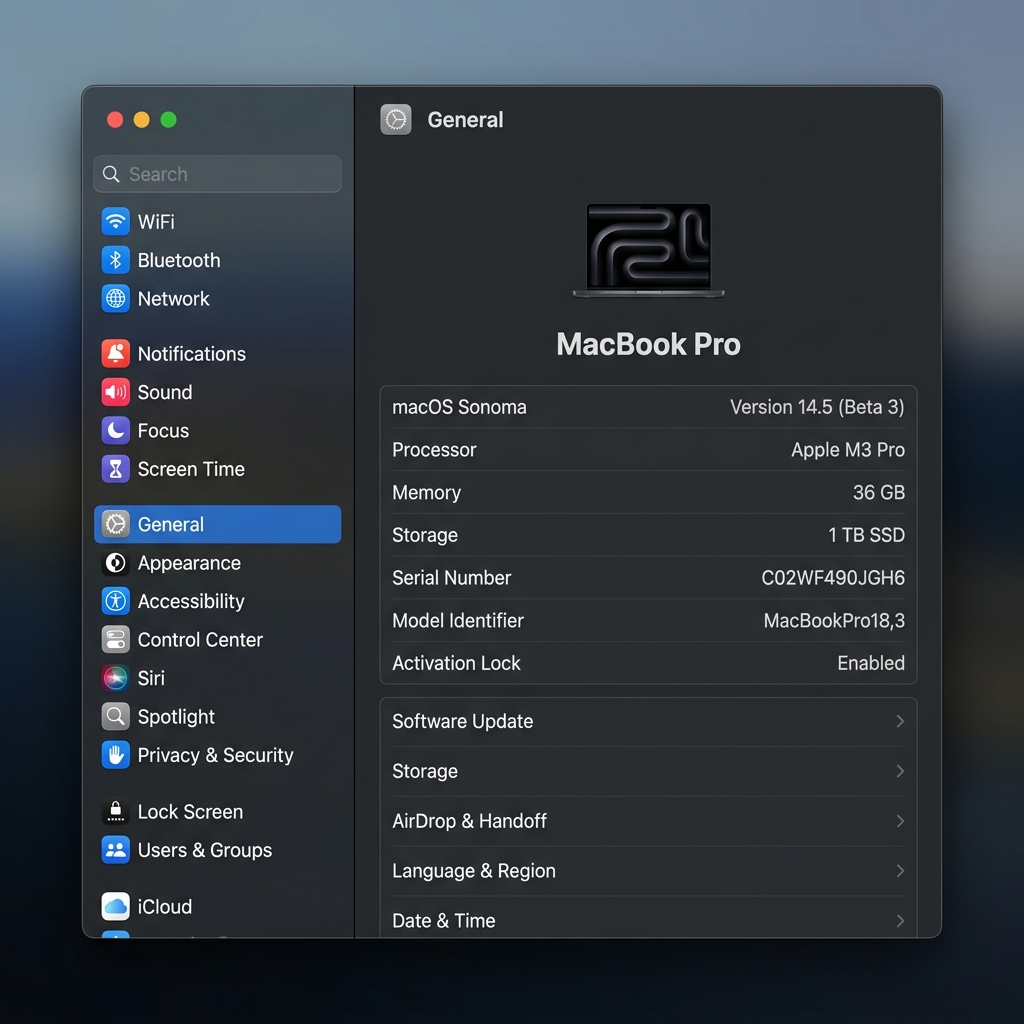
System Window (Image)
Your transcription will appear here...
Ctrl+Shift+EAssistant
Collapse to FAB
Seamless Transition to FAB
Collapse VoxFab into a small, floating action button that stays out of your way but always within reach. Drag it anywhere, and one click brings the full power back.
Universal Mobility
Drag the FAB effortlessly across multiple monitors. It remembers its position precisely.
State Persistence
VoxFab maintains its recording or processing state even while collapsed into the FAB.
Glassmorphism UI
A sleek, semi-transparent design that blends perfectly with any modern desktop environment.
Instant Expansion
One click instantly brings back the full application window with zero delay.
# team-general
AL
Alex10:41 AM
Hey team, are we ready for the dictation demo?
Message #team-general
Ctrl+Shift+EAssistant
Ready to experience the vibe?
Multi-platform voice power. Download VoxFab AI for your desktop and mobile devices.
Official builds
Current version v1.2.0. Optimized for Apple Silicon, Windows & Android.
macOS (Apple Silicon / M-series)
Available NowAndroid App
Available NowmacOS (Intel Core / x86)
Available NowWindows 10/11 Installer
Available NowiOS App
Coming Q3 2026Note: Free versions require a personal OpenAI or Google Gemini API Key. On Android, this is required to function.
Download Now
macOS Installation Instructions
Coming soon
VoxFab Pro
No API Keys. No Limits. Integrated OpenAI Intelligence built straight into your sidebar.
Built-in GPT-4o Access
No personal keys required
Priority transcription
Cloud sync across desktop & mobile
Launching Q3 2026 • Private beta now open
SHARE YOUR VIBE
Share your thoughts.
Have a feature idea or found a bug? No complex forms, just two fields and a direct line to the creator.